# Custom Liquid
***
With Custom Liquid sections, you can design and structure your store's layout according to your brand's specific needs, enhancing the overall shopping experience for your customers.
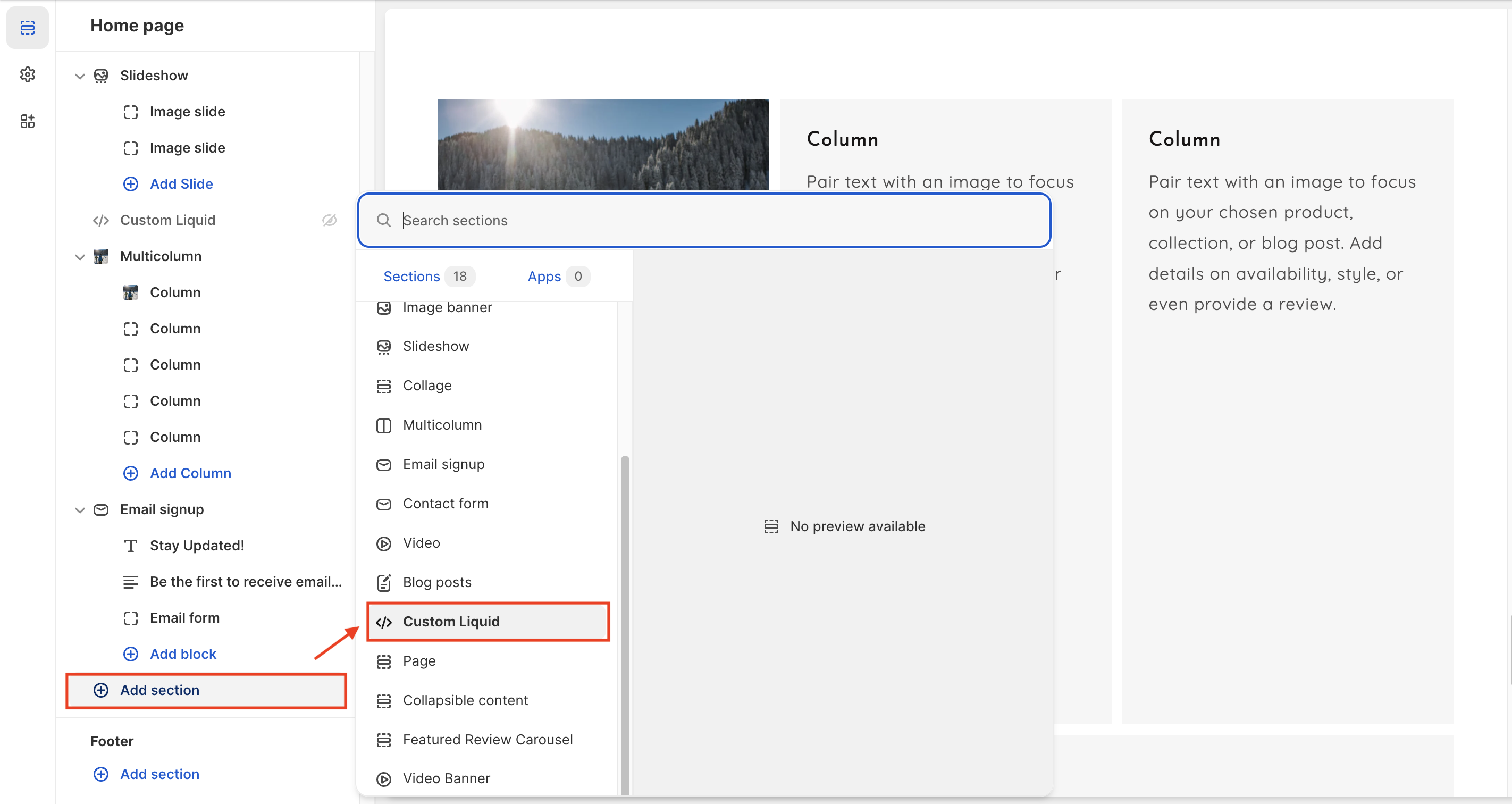
### 1. Our guide to set up a Custom Liquid section:
{% hint style="info" %}
**Steps:**
* In the theme editor, click **Add section.**
* Locate **Custom Liquid.**
* Click **Save.**
{% endhint %}
> ***Note**: Add app snippets provided in the instructions from your downloaded apps to easily introduce apps to your pages.*
### **2. Custom Liquid section settings:**
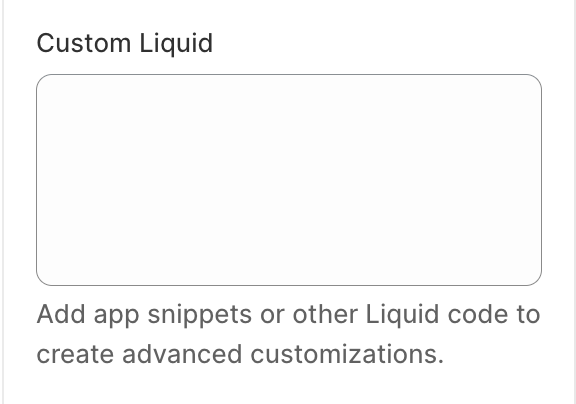
* Click on the **Custom Liquid** section to open the section settings.
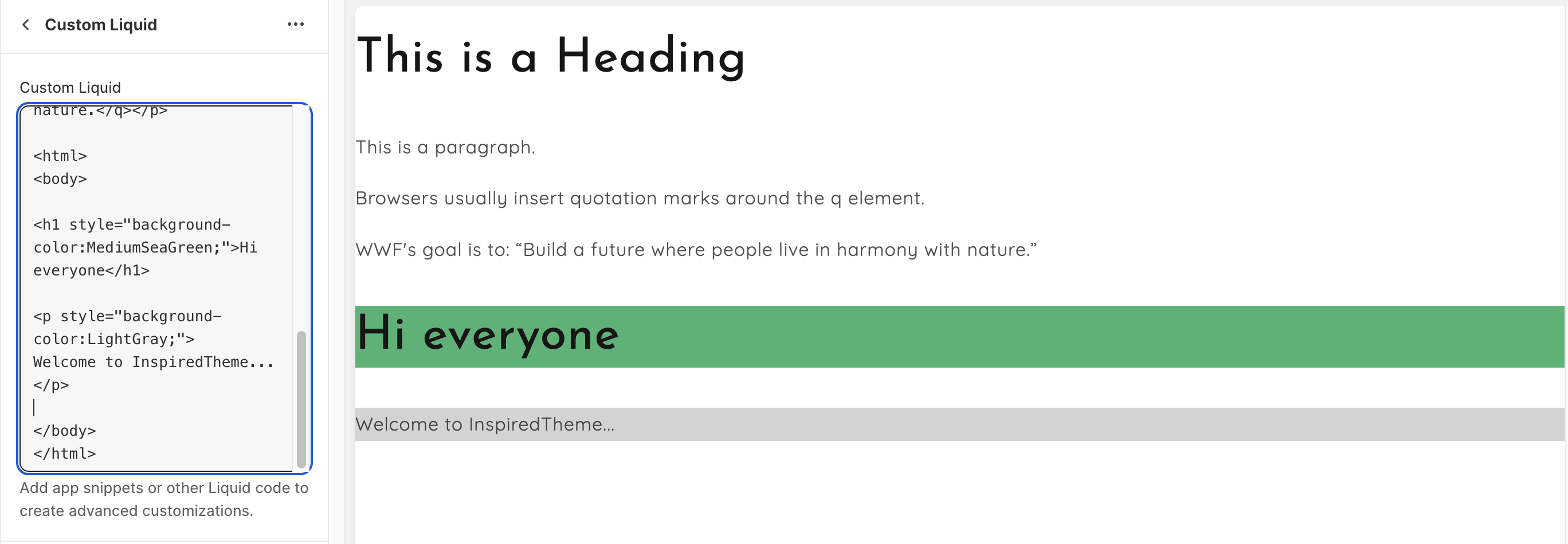
* Enter your HTML or Liquid code into the **Custom Liquid field**.
> ***Note**: In many cases, after you install a 3rd-party app, you might receive onboarding instructions that include editing your own code to add app functionality where you want it to appear in your theme. You might be able to add your app code into a **Custom Liquid section** in the theme editor instead of editing your theme code directly.*
---
# Agent Instructions: Querying This Documentation
If you need additional information that is not directly available in this page, you can query the documentation dynamically by asking a question.
Perform an HTTP GET request on the current page URL with the `ask` query parameter:
```
GET https://help.inspiredtheme.com/articles/sections/sections-available-in-inspiredtheme/custom-liquid.md?ask=
```
The question should be specific, self-contained, and written in natural language.
The response will contain a direct answer to the question and relevant excerpts and sources from the documentation.
Use this mechanism when the answer is not explicitly present in the current page, you need clarification or additional context, or you want to retrieve related documentation sections.