> For the complete documentation index, see [llms.txt](https://help.inspiredtheme.com/articles/llms.txt). Markdown versions of documentation pages are available by appending `.md` to page URLs; this page is available as [Markdown](https://help.inspiredtheme.com/articles/sections/theme-sections/video.md).
# Video
Add a video from your Shopify files, YouTube or Vimeo to any page. Use it to tell your brand story or show products in action.
***
The **Video** section shows one video with an optional heading. You can use a video uploaded to Shopify, or a YouTube or Vimeo link. Shoppers click the play button to watch it.
### 1. Our guide to set up a Video section:
{% hint style="info" %}
**Steps:**
* In the theme editor, click **Add section.**
* Locate **Video.**
* Click **Save.**
{% endhint %}
### 2. Section settings
* **Heading:** The title above the video. Leave it blank to hide it.
* **Heading size:** 15–80px.
* **Heading alignment:** Left / Center.
* **Video**
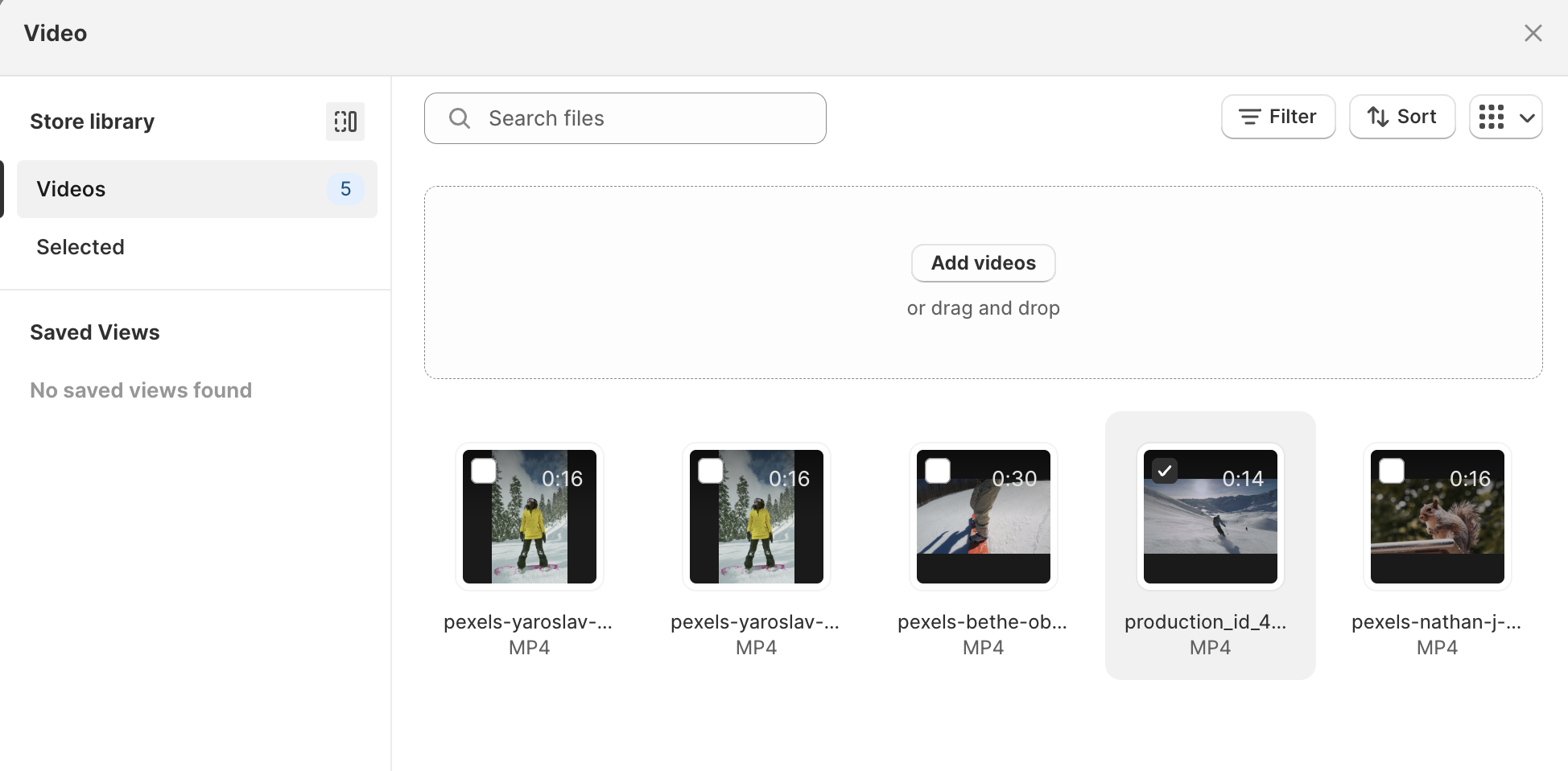
* **Video:** A Shopify-hosted video. Select one from your files (Shopify admin → **Content** → **Files**) or upload a new one. Best for shorter videos. If you set both **Video** and **URL**, the Shopify-hosted video is shown.
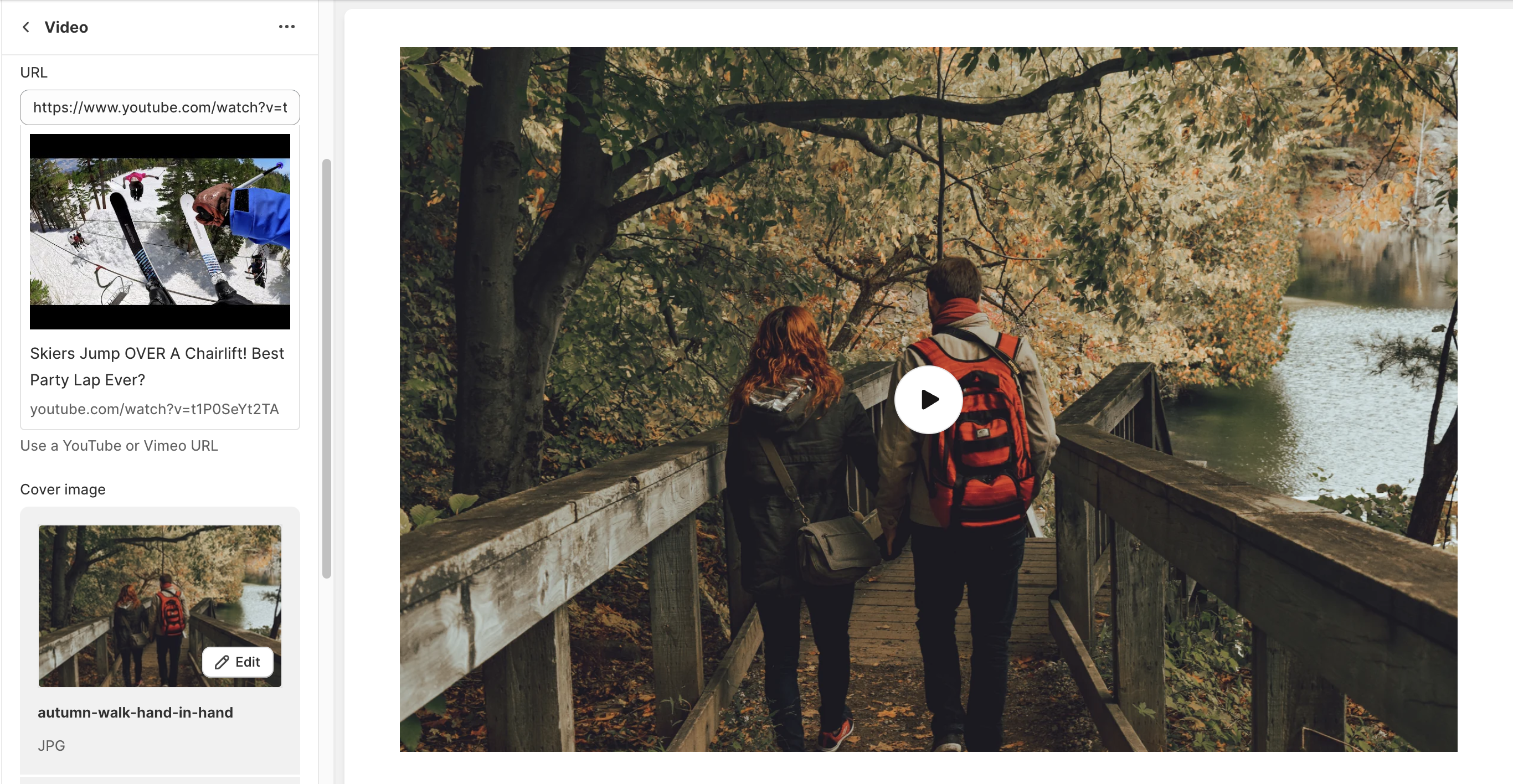
* **URL:** A YouTube or Vimeo link. Best for longer videos.
* **Cover image:** The image shown before a YouTube or Vimeo video plays. Shopify-hosted videos use their own preview image.
* **Video alt text:** Describes the video for shoppers using screen readers. For Shopify-hosted videos, the video's own alt text from your files is used first.
* **Auto-preview on scroll:** Plays the video muted and on a loop when shoppers scroll it into view. Clicking it plays the video from the start with sound and controls. Only works with Shopify-hosted videos.
* **Make section full width:** Stretches the video to the edges of the screen.
* **Corner radius**
* **Corner radius:** Rounds the corners of the video, 0–40px.
* **Section padding**
* **Top padding** and **Bottom padding:** 0–100px.
### 3. Tips
* Always add a **Cover image** for YouTube and Vimeo videos, so the section looks good before anyone presses play.
* Turn on **Auto-preview on scroll** with a short Shopify-hosted clip to add movement to your page without autoplaying sound.
* Fill in **Video alt text** with a one-sentence description of what happens in the video.