> For the complete documentation index, see [llms.txt](https://help.inspiredtheme.com/articles/llms.txt). Markdown versions of documentation pages are available by appending `.md` to page URLs; this page is available as [Markdown](https://help.inspiredtheme.com/articles/theme-settings/inspiredtheme-settings-intro/currency-format.md).
# Currency format
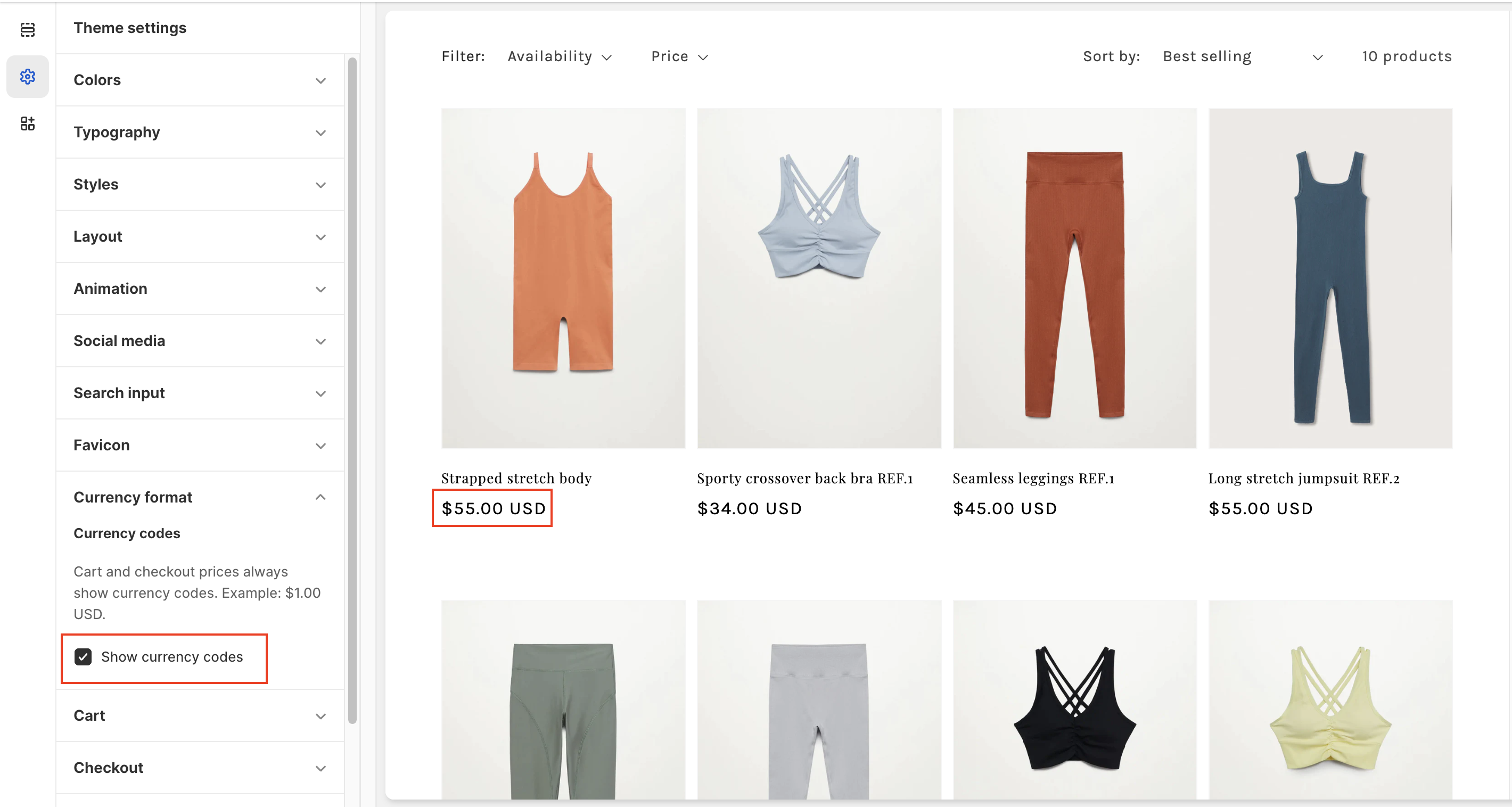
InspiredTheme lets you display or hide the currency code along with the prices in your online store.
***
### How to activate currency codes?
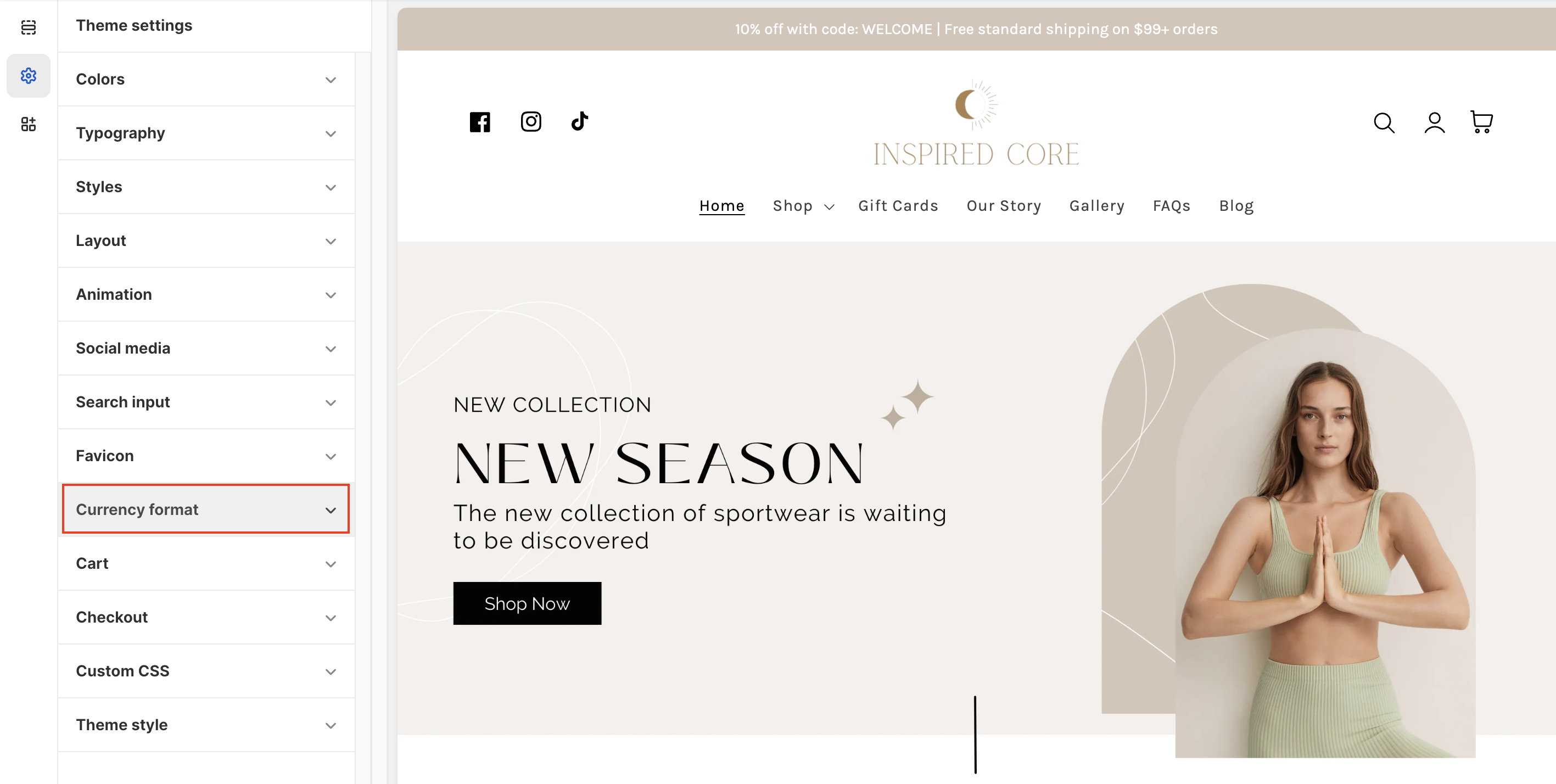
1. In the theme editor, click **Theme settings.**
2. Locate **Currency format.**
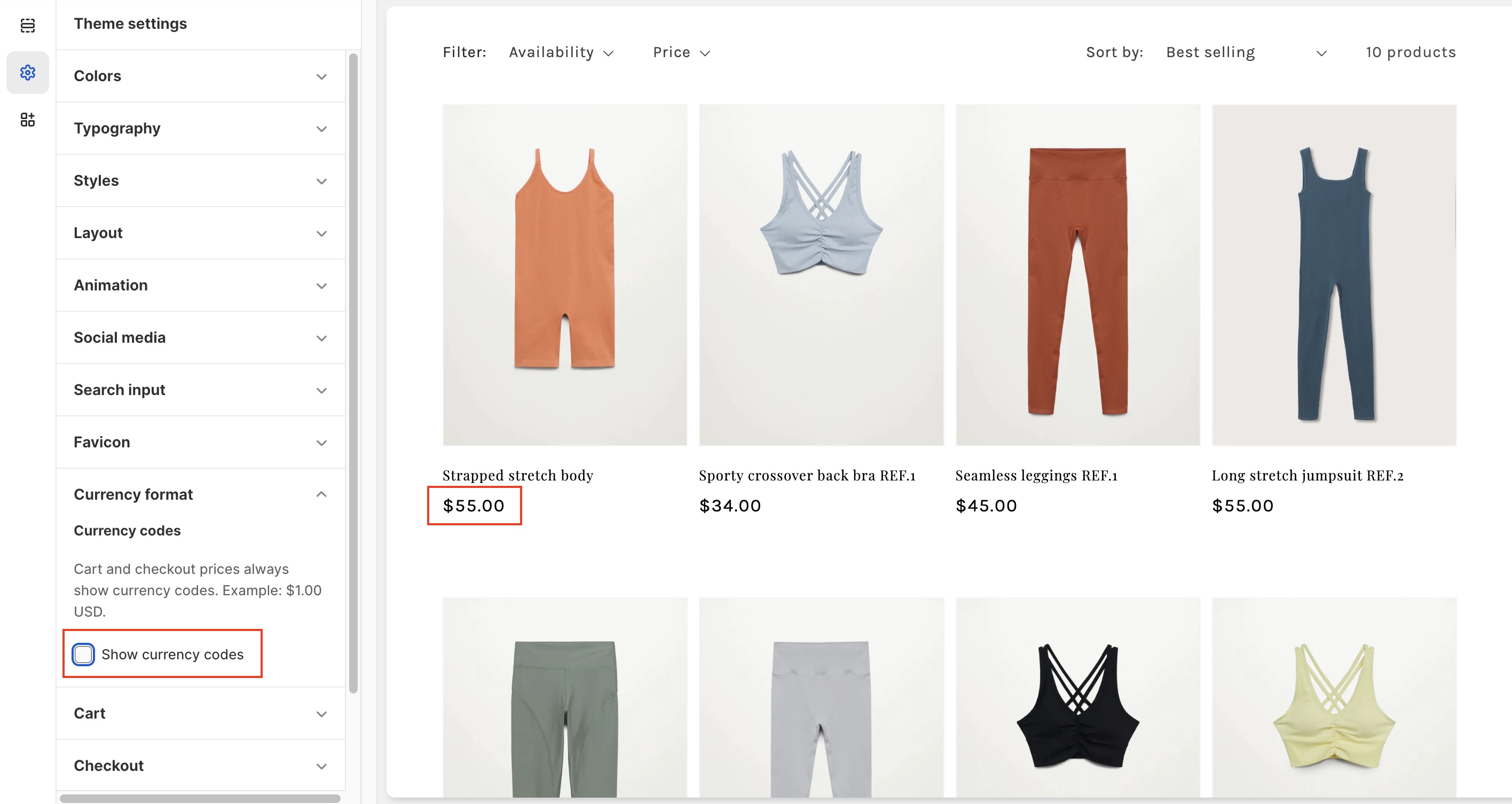
3. In the **Currency codes** section, select **Show currency codes**.
4. Click **Save**.